A sidebar that stays tidy
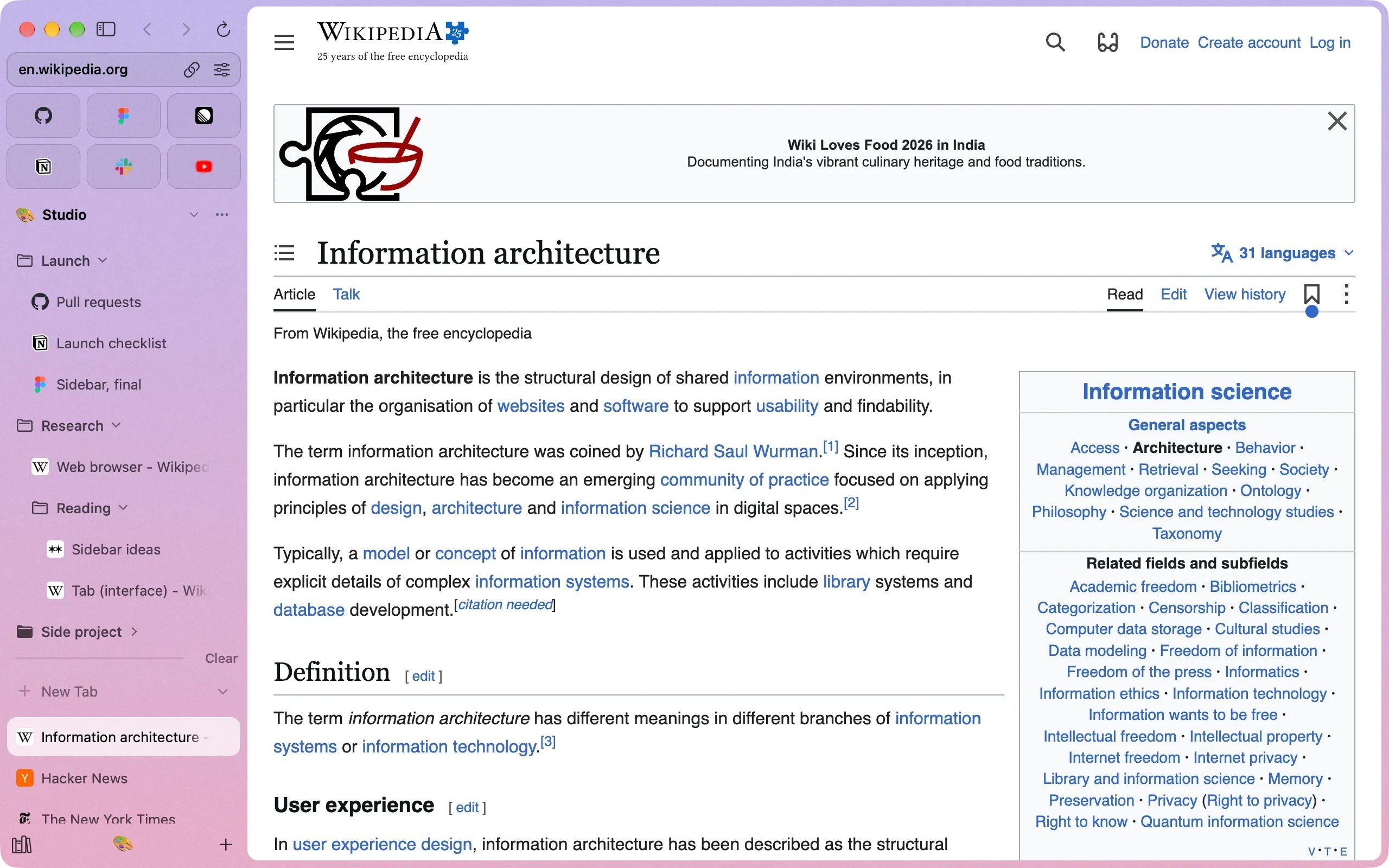
Spaces, pinned tabs, folders, Peek, Split View and a little window for links from other apps. Everything has a place.
Bay is a beautiful, fast browser for the Mac. Spaces for every part of your life, a sidebar that stays tidy, Peek, Split View and ads blocked out of the box, all on Chrome’s own engine.
For macOS 14 Sonoma or later. Coming from Arc? Here’s how to switch.
Download Nightly to test the latest changes. Nightly builds may have bugs.
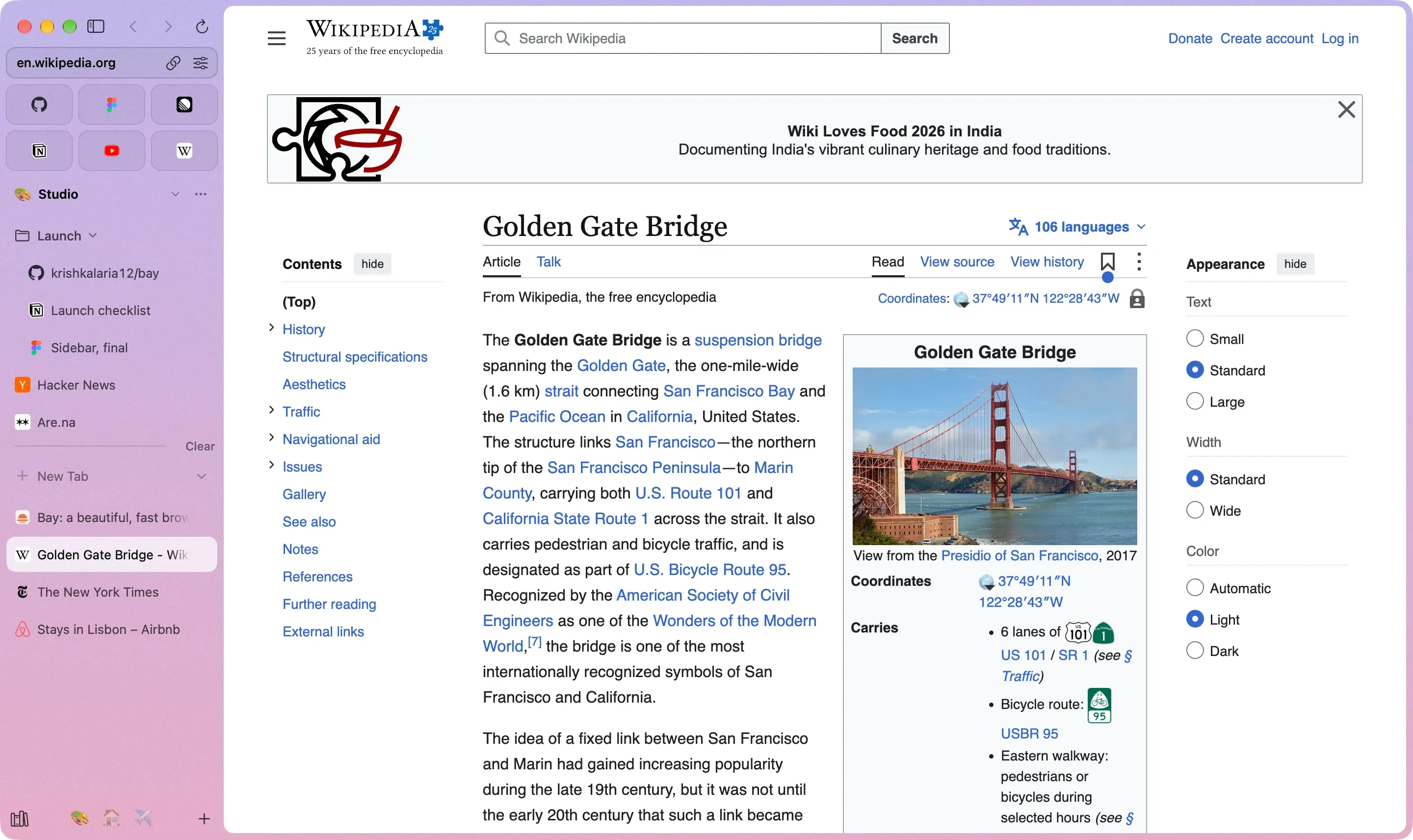
Spaces, pinned tabs, folders, Peek, Split View and a little window for links from other apps. Everything has a place.
Chrome’s own engine, so every site works and every extension from the Chrome Web Store installs.
Bookmarks, history and passwords come over from Chrome, Safari, Firefox, Arc or Dia in one go.
Inside Bay
Spaces
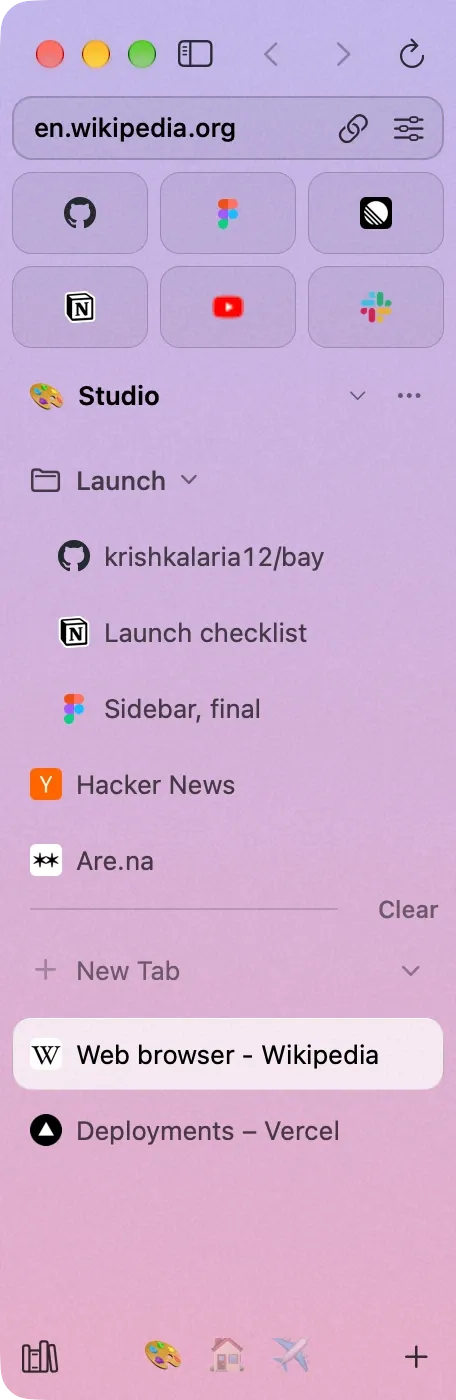
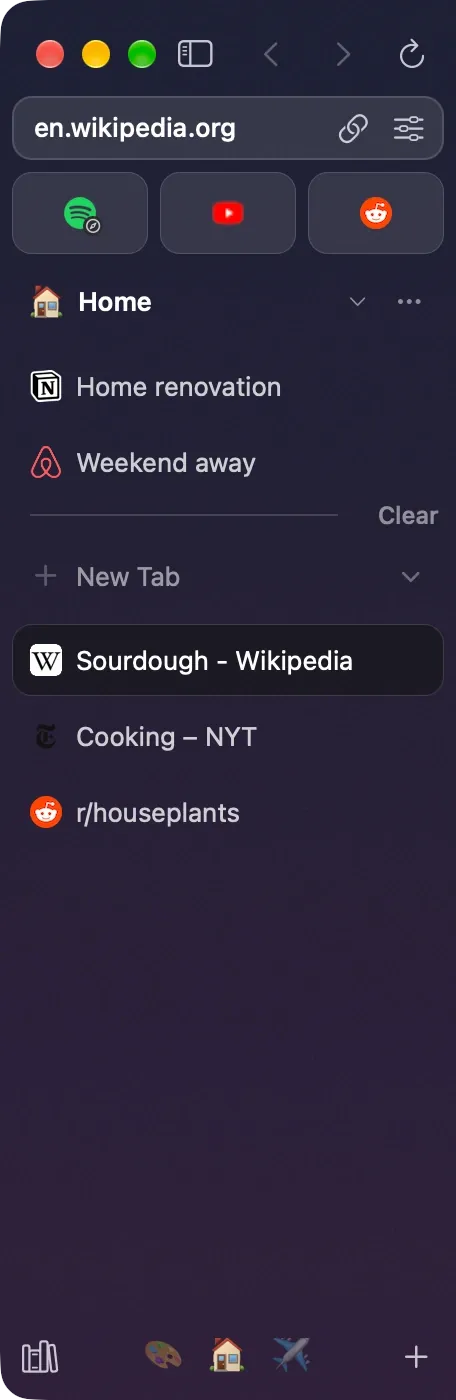
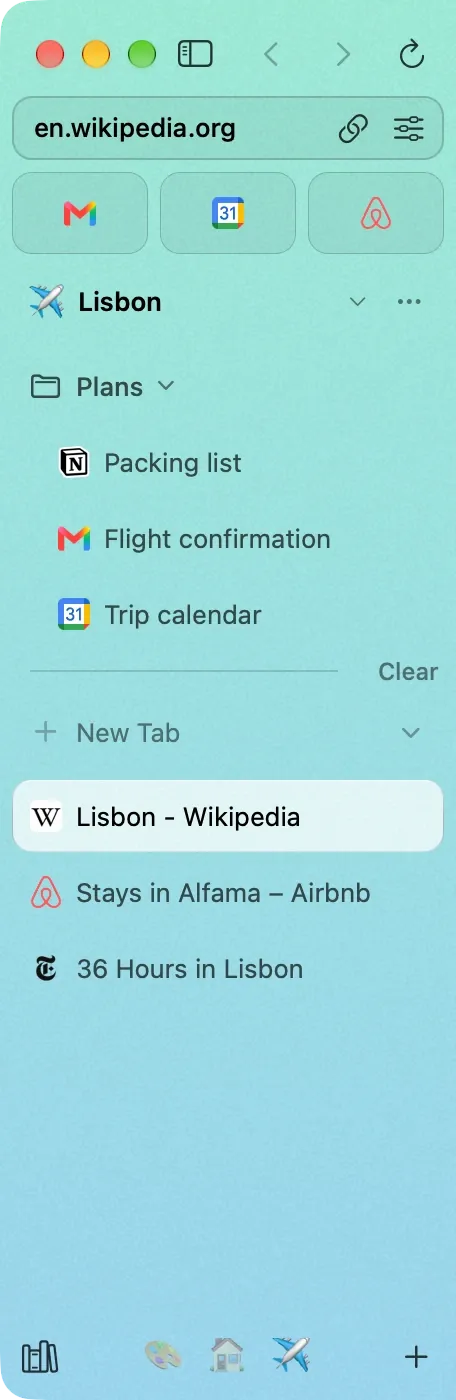
Give each space its own icon, theme and profile, so work stays signed in to work and home stays home. Their icons sit at the foot of the sidebar: click one, or swipe two fingers across the sidebar to move between them.
Right-click a space for its theme. Press + and there’s a new one. Favorites and pinned tabs follow you into every window.
Pinned tabs & folders
Favorites sit on top as tiles. Pinned tabs and folders live under them and never close, so the trip, the launch and the side project are always one click away.
Folders open right where they are. The tab you’re in stays out when you fold one away.
Peek & Split View
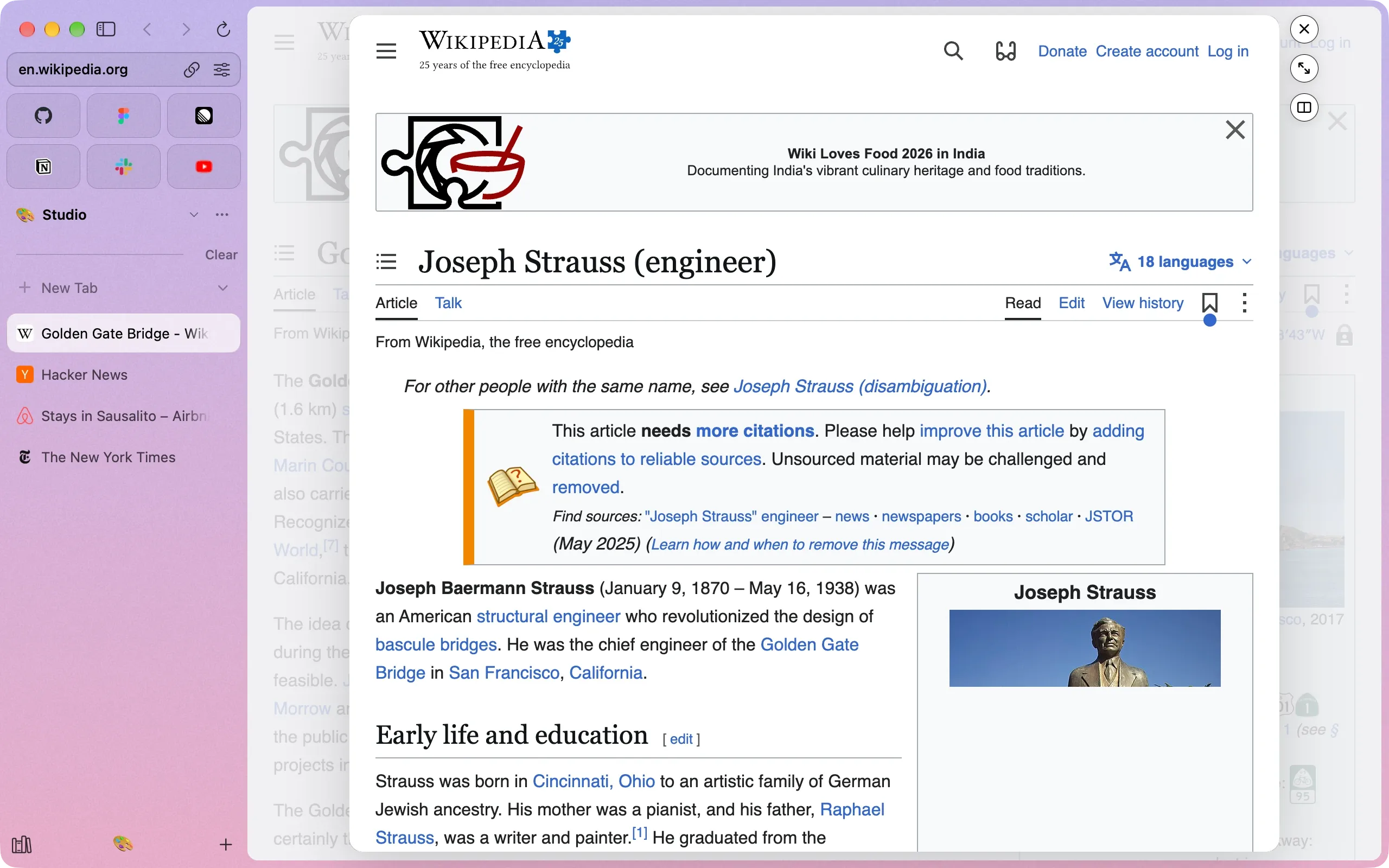
It opens over the page you’re on. Close it and you’re right where you were, or keep it as a tab, or put it beside the page.
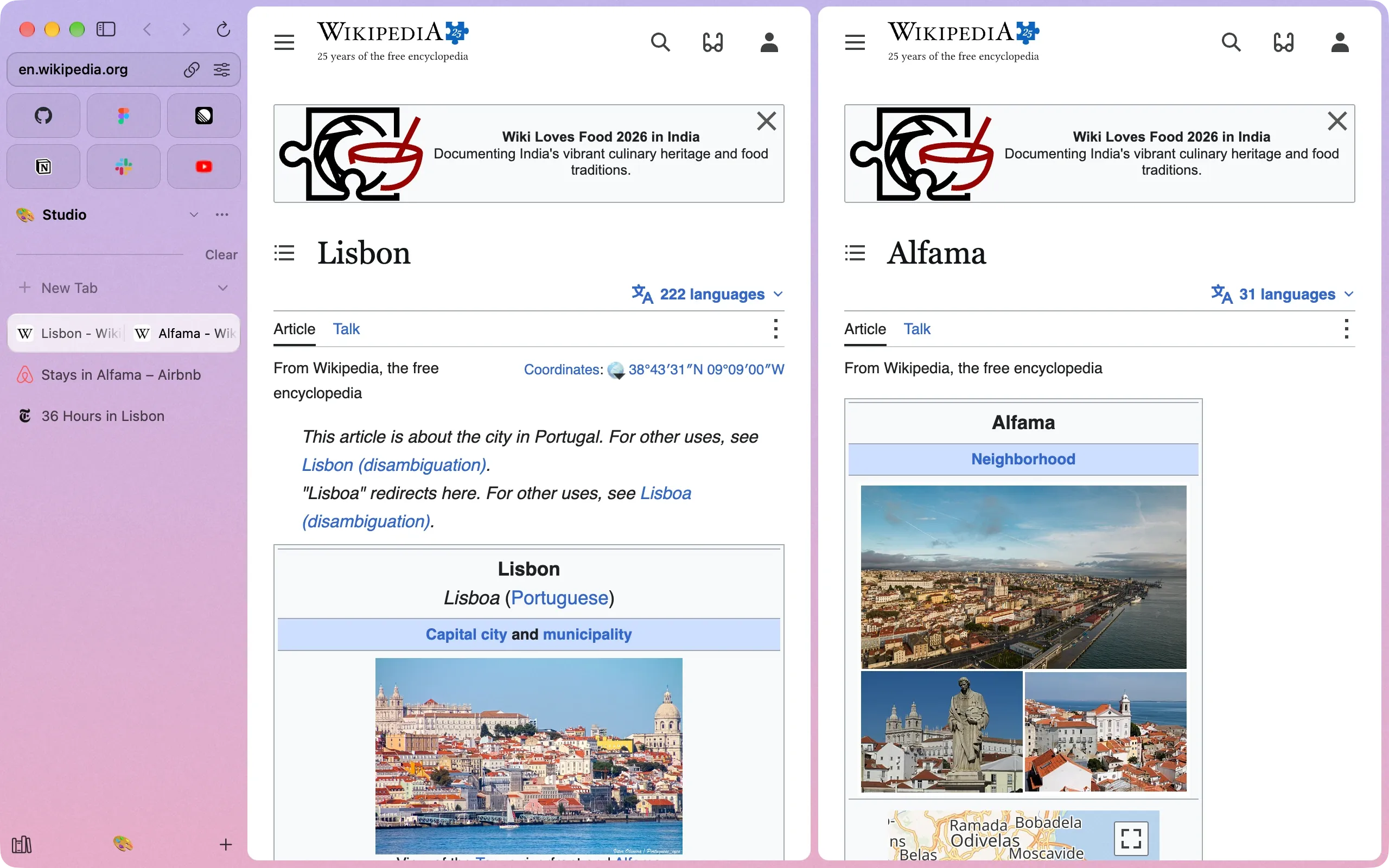
Split View puts two tabs in one row of the sidebar. Click either half to work in it, or pull them apart when you’re done.
Old tabs put away
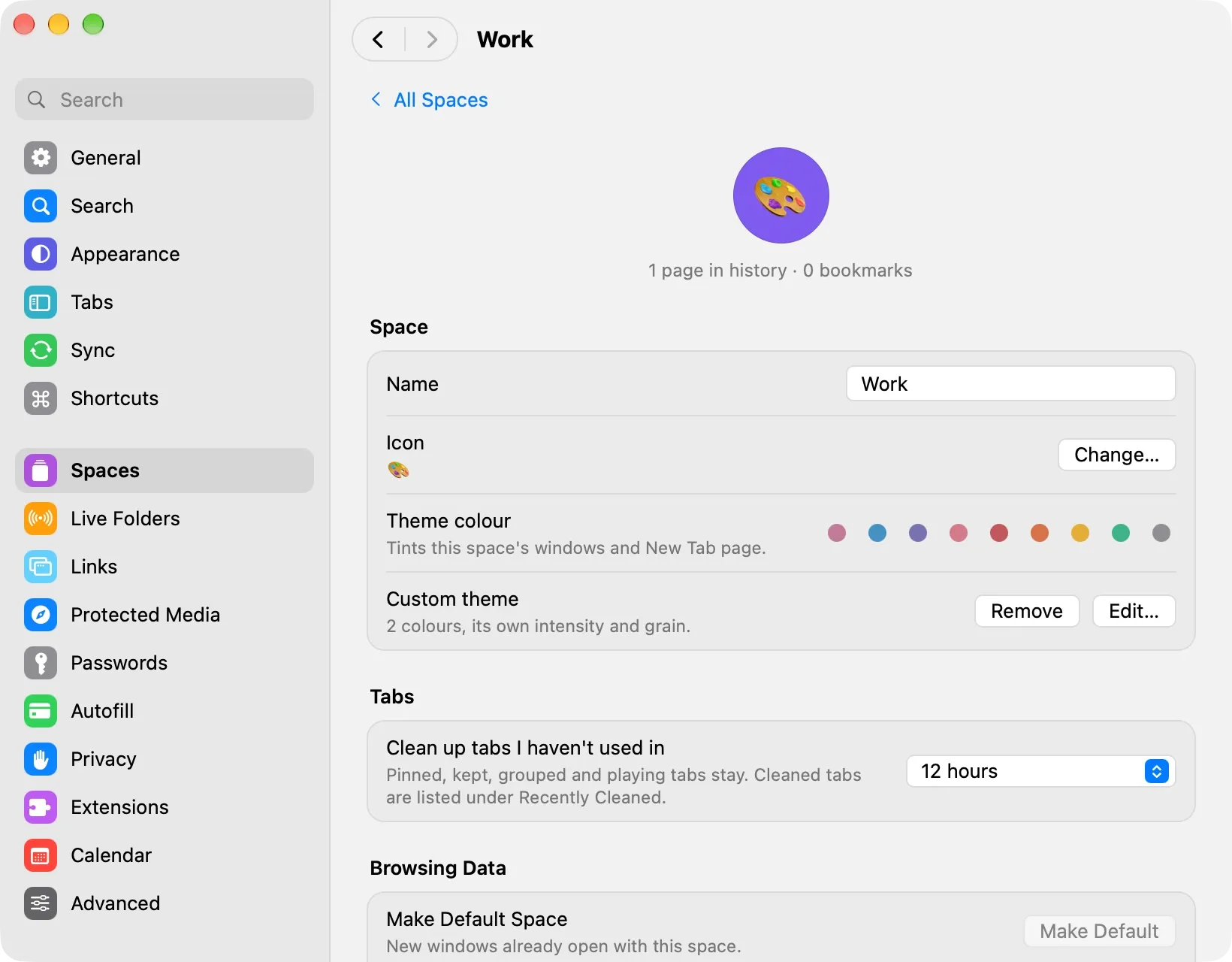
Bay clears out tabs you haven’t looked at, and you pick when, for each space: twelve hours for work, a week for home.
Pinned and playing tabs stay. Everything put away is one search away, under Recently Cleaned.
Extras
Privacy
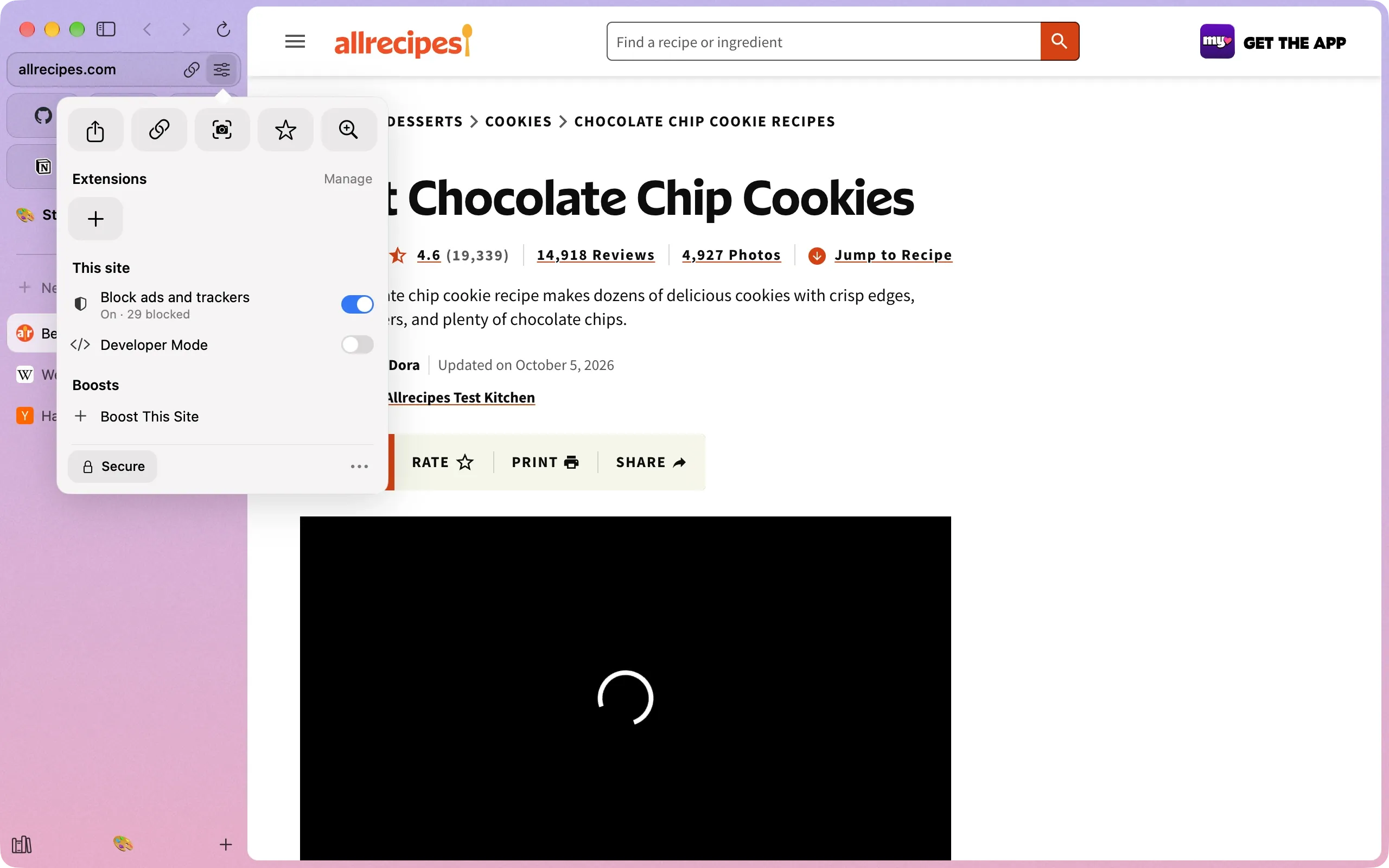
Bay’s content blocker stops ads and trackers from a profile’s very first page. Click the address to see what it caught, and one switch lets a site you trust through.
Camera, microphone, location and notifications are asked for per site, and remembered the way you answered.
Command bar
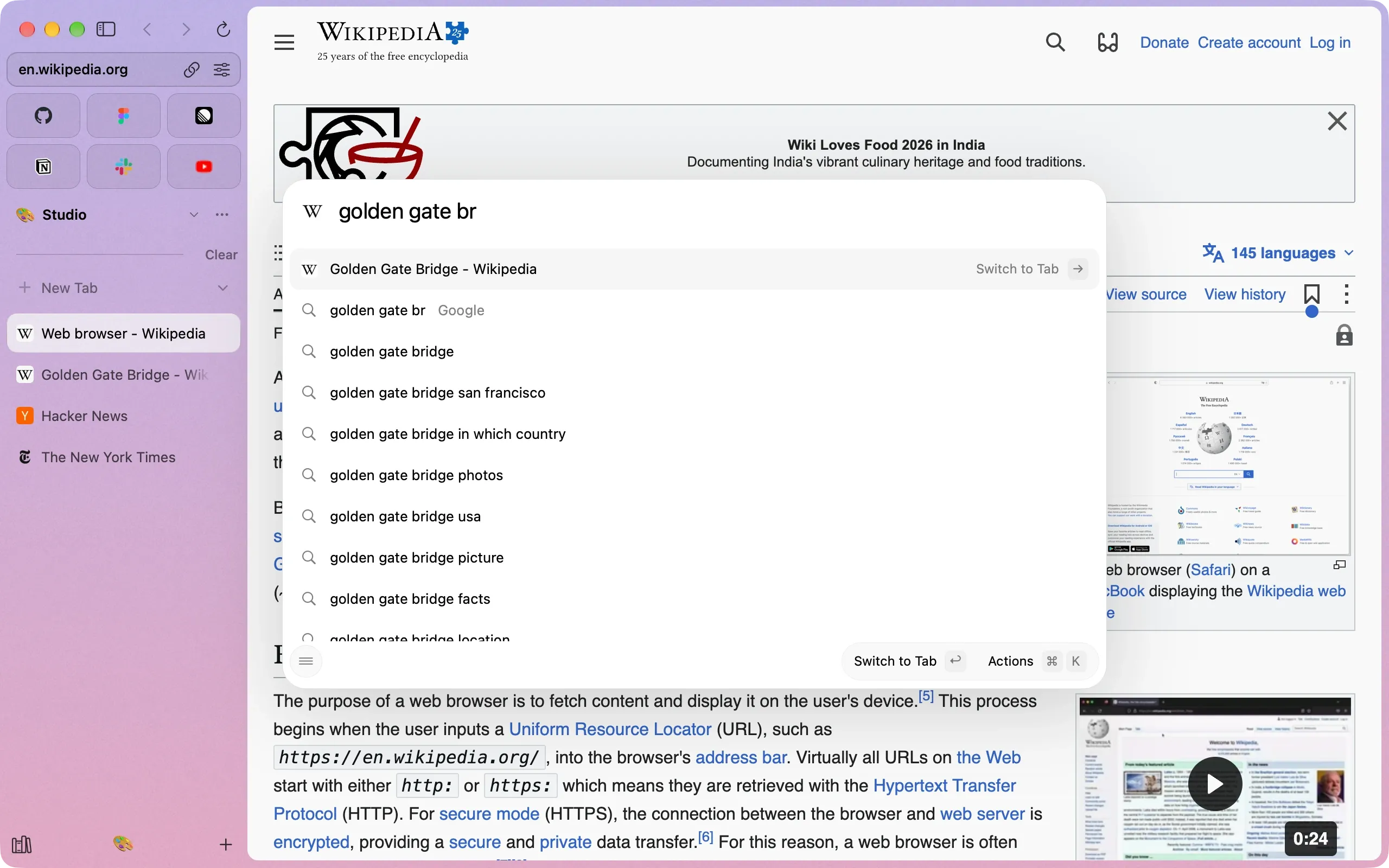
One bar for addresses, searches, open tabs and the ones put away. Start typing a tab you already have open and Bay takes you to it instead of opening another.
Return switches to it. ⌘K shows everything else you can do with what’s selected.
Moving in
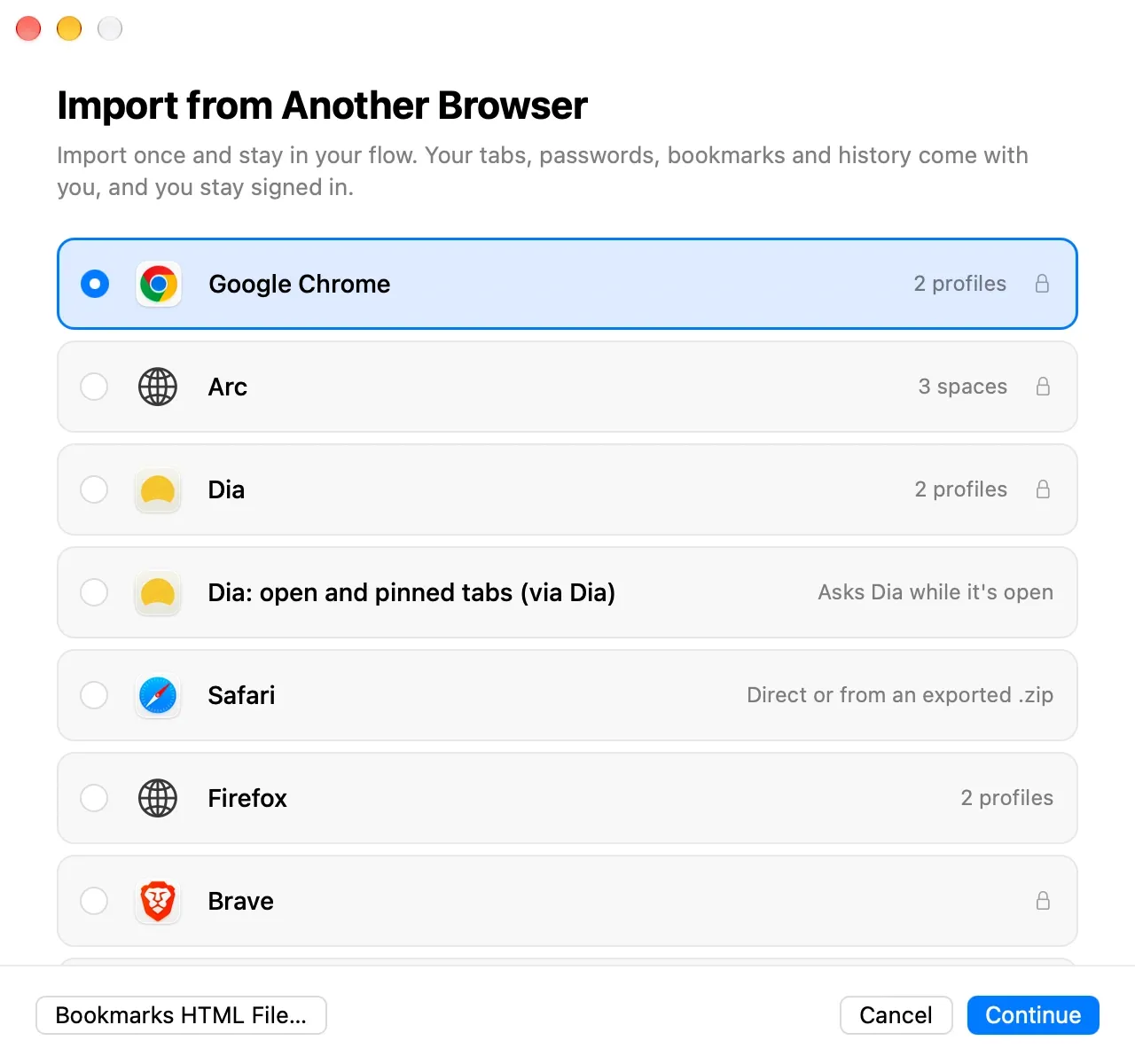
Bookmarks, history and passwords come over from Chrome, Safari, Firefox, Arc and Dia. Coming from Arc? Your spaces, pinned tabs and folders land right where you left them.
“Forty tabs open. Somehow, calm.”
— a note to self, finally true
A browser for the Mac built around a sidebar: spaces for each part of your life, pinned tabs and folders that stay put, Peek, Split View, and ads and trackers blocked from the first page. It runs on Chrome’s engine, so every site and extension works.
Yes. Bay runs on Chrome’s own framework, so pages render, sign in and behave exactly as they do in Chrome. The window, sidebar and everything you touch are Bay’s.
They do. Install them from the Chrome Web Store; their buttons sit in the toolbar and side panels open beside the page.
Yes. Bay imports bookmarks, history and passwords from Chrome, Safari, Firefox, Arc and Dia. From Arc, your spaces, pinned tabs, folders and favorites come over too.
Bay puts them away after a time you choose for each space, say twelve hours for work and a week for home. They stay one search away, never lost.
Any Mac running macOS 14 Sonoma or later.
Yes, with encryption you hold the key to: your data is sealed into files in a folder you choose, like one in iCloud Drive, and only your devices can read it.
No. Bay is an independent browser and isn’t affiliated with The Browser Company or Arc.
For macOS 14 Sonoma or later. Bring your tabs; we’ll unpack them.
Nightly builds update automatically as new builds arrive.